
Hello!
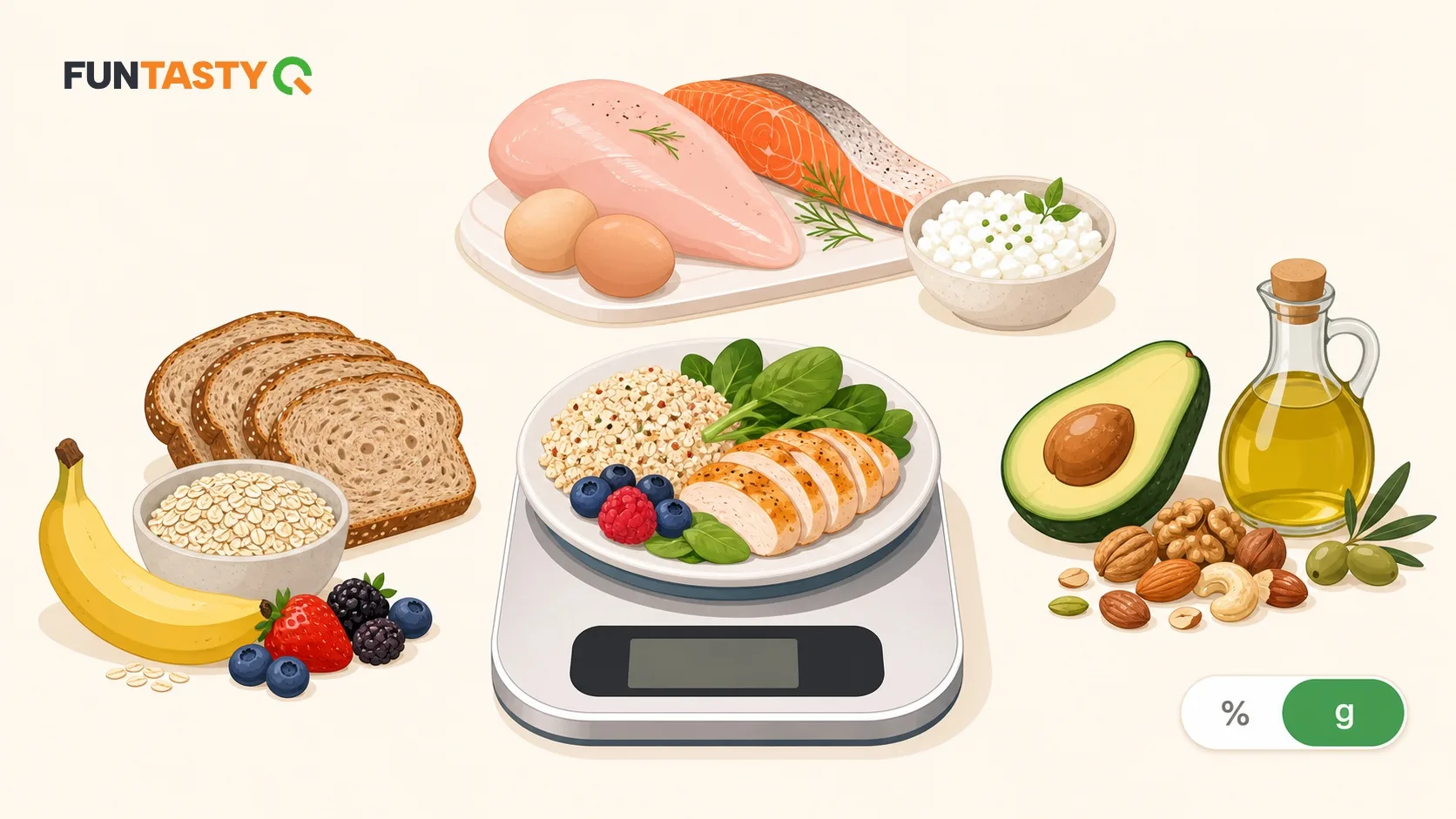
We’re introducing a new way to set your nutrition goals in FunTastyQ Fit: you can now choose whether to set your macronutrients (carbohydrates, protein and fat) as percentages or in grams. Let’s take a closer look at exactly how these two modes differ and when each one makes sense.
Percentage mode (default)
This is the existing option, and it remains the default. You decide what proportion of your daily energy comes from carbohydrates, protein and fat (for example, 40/30/30). Based on this split, the app calculates your daily calorie intake according to your body, activity level and weight goal — and if your weight, activity or goal changes over time, the gram amounts adjust automatically. You don’t need to recalculate anything.
This works very well for most users. If you’re starting a weight-loss journey, want to eat more healthily or simply prefer a convenient setup, this type of plan is the most reliable — it adapts with you.
Gram mode (new)
In gram mode, you set each macro separately and independently in grams — for example, “180 g of carbohydrates, 150 g of protein, 60 g of fat.” Your daily calorie intake is calculated from these gram amounts (carbohydrates and protein provide 4 kcal per gram, while fat provides 9 kcal per gram), not the other way around.
One important difference is that in gram mode, your calorie intake does not adjust automatically when your weight or goal changes. The plan remains exactly as you set it until you change it yourself. This gives you complete control, but it also means you need to monitor when it’s time to review the numbers.
Which mode should you choose?
You’re starting to eat more healthily or trying to lose weight → percentage mode. Let the app do the calculations for you, and your plan will stay up to date even as your weight changes.
Your coach has given you a specific macro plan (e.g. “150 g of protein, 200 g of carbohydrates, 70 g of fat per day”) → gram mode. Enter those exact numbers, and the app will track them without recalculating anything automatically.
You’re preparing for a competition or tracking your nutrition very precisely → gram mode. Athletes and experienced trackers often want manual control over how their calorie intake changes at different stages of the process — this mode provides that control.
About fibre
In gram mode, carbohydrate grams are counted in the same way as on food packaging — 4 kcal per gram, without subtracting fibre separately. Your fibre recommendation (approximately 13 g per 1,000 kcal) will continue to be displayed as a separate metric, regardless of which mode you choose.
How to enable it
Go to the macro settings in your profile. There you’ll find a new %/g toggle that lets you switch freely between percentage and gram modes.
Try both and see which works better for you. If anything is unclear or you have suggestions, feel free to get in touch — feedback is always welcome!
